
Doğansoft

Service Guide

All of the city’s field services in one system

Waste, parks, public works and fleet modules work in one smart city system with shared services such as calendar, teams, stores, reports and MD AI.

A system that plans, runs and monitors the institution’s field services

Service Guide brings waste collection, park and garden care, road and infrastructure work and the vehicle fleet together on one map, calendar and record. Management sees all field work from one screen.

  1. PlansTeams and vehicles share one calendar.
  2. RunsWork reaches the field team’s phone.
  3. MonitorsField assets and vehicles on one map.
  4. ReportsPlanned and done, by period and area.

Every field asset in the city on one map

Containers, parks, work sites and vehicles sit on the same map. Looking at a street shows what work is happening there at a glance.

  • Layered view
  • Neighbourhood and zone boundaries
  • Location of citizen applications

Layers

One calendar

Every team’s day on the same chart; clashes show in advance.

  1. 07.00–10.30Zone A collection
  2. 07.00–12.0006 DS 449 · collection
  3. 08.00–11.00Irrigation
  4. 09.30–12.00Manhole cover
  5. 13.00–16.00Zone C collection
  6. 13.00–16.30Central park mowing
  7. 13.30–15.30Asphalt patch
  8. 15.00–16.30Service
  • Team and vehicle clashes are flagged
  • Planned and actual side by side
  • Day, week and month views

Every job starts with a work order and closes on record

All work, whether from the plan, a citizen application or the field, follows the same order, in any module.

  1. 1SourcePlan, citizen application or field report.
  2. 2Work orderThe job is defined and linked to its module.
  3. 3AssignmentA suitable team and vehicle are chosen.
  4. 4FieldThe team runs the job by phone; photo and location are added.
  5. 5ClosingTime and materials used are recorded.

Teams and materials managed in one place

Team workload and stock are shared by every module; work is planned around available teams and materials.

Teams

Teams and workloads in one list; jobs go to the right team.

Stores and materials

Materials used are recorded on the work order and stock stays current.
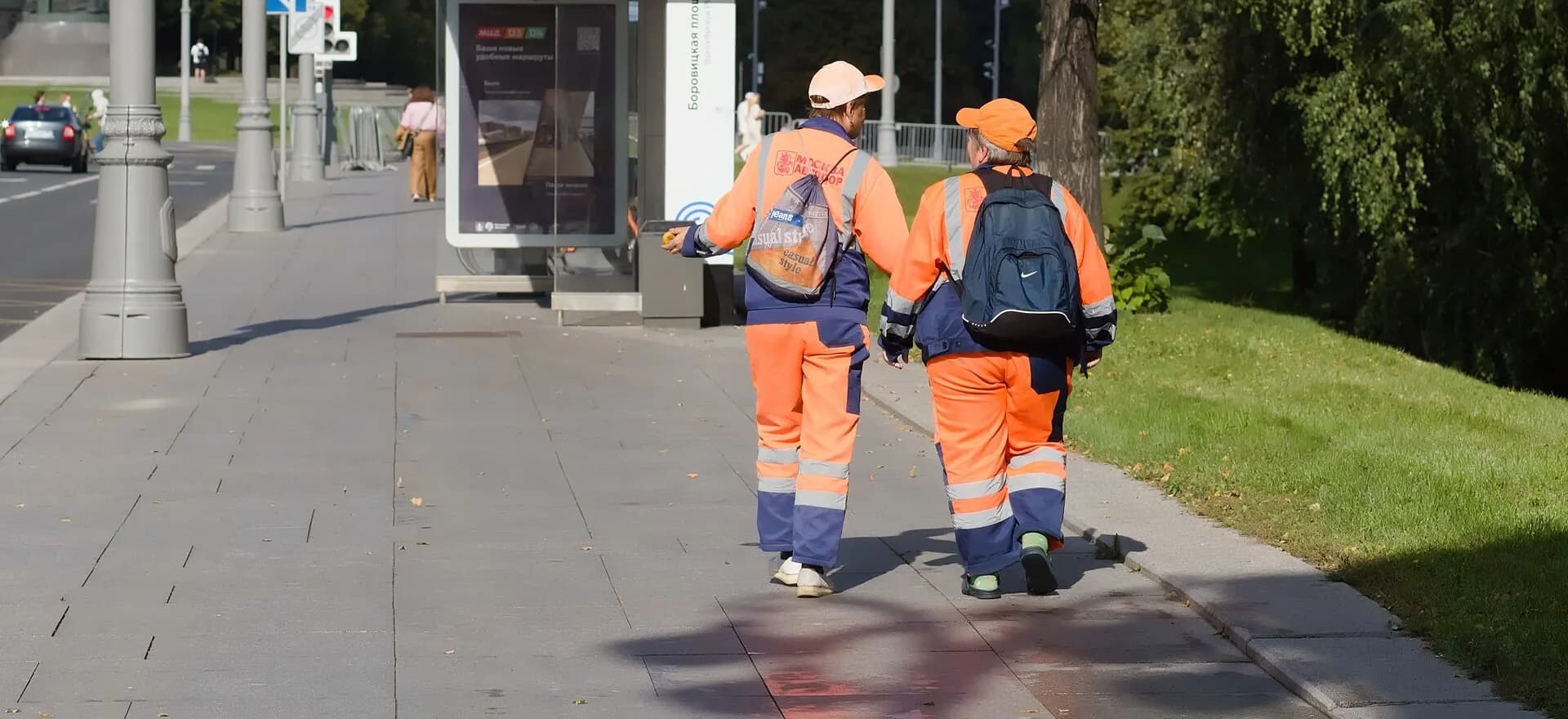
Two sanitation workers walking along a pavement beside a green area

Field teams run their work from the phone

No extra devices are needed; existing smartphones are enough.

  • Today’s work

    The next stop and job on screen.

  • Photos

    Before and after are added to the record.

  • Location

    Place and time are recorded automatically.

  • End of day

    The day summary is sent with one tap.

MD AI suggestion

Turns records into route, priority and maintenance suggestions.

  • Route and priority suggestions
  • Alerts based on weather and maintenance records
  • Period report summaries

Suggestions are not applied without the approval of the person in charge.

Planned and done, reported module by module

Management sees how much of the service was done as planned, by period and area.

Service report
  • Period and area

    Week, month and quarter; district by district.

  • Vehicle use

    Working time and distance.

  • Material use

    Totals recorded on work orders.

  • Audit ready

    PDF and Excel export.

With the Solution Centre, an application becomes a work order

If the institution also uses the Solution Centre, an incoming application is linked to its work order; when the job closes, the application closes and the citizen is informed.

Solution Centre
  1. 1Application arrives
  2. 2Work order opens
  3. 3Team in the field
  4. 4Job closes
  5. 5Citizen informed

Works with the institution’s existing infrastructure

  • No extra hardware

    Devices can be supplied if needed.

  • Existing vehicle tracking

    Location comes from your system.

  • Existing records

    Container, park and tree lists are imported.

  • On your own server

    Data stays with the institution.

Frequently asked questions

01 / 05

Do we have to take all four modules?

No. Each module works on its own; the others can be added later.

02 / 05

Do vehicles need new devices?

No. Location comes from the institution’s existing vehicle tracking system. Devices can be supplied if needed.

03 / 05

Can our existing container and tree records be imported?

Yes. Existing lists are imported during set-up.

04 / 05

Does the AI make decisions on its own?

No. Suggestions are not applied until the person in charge approves them.

05 / 05

Does it work with Operational Management?

Yes. Citizen applications can be passed from the Solution Centre to the relevant work order.

Can’t find your question? Write to us →

Let us bring your field services into one system

Let us decide together which module to start with and plan the transition.

Request a demo