One panel for management
Occupancy, staff and stock across all facilities are monitored on a map and in one panel. Decision information is not gathered facility by facility.
- Map view
- Live occupancy

Facility Management
From sports complexes to social facilities, restaurants and waste plants, each facility runs its own workflow. Records, bookings, staff and inventory are brought together in one centre.
The system is configured by facility type. Courses and memberships lead in sports facilities, area bookings on beaches, weighbridge records in waste plants; all facilities connect to the same centre.
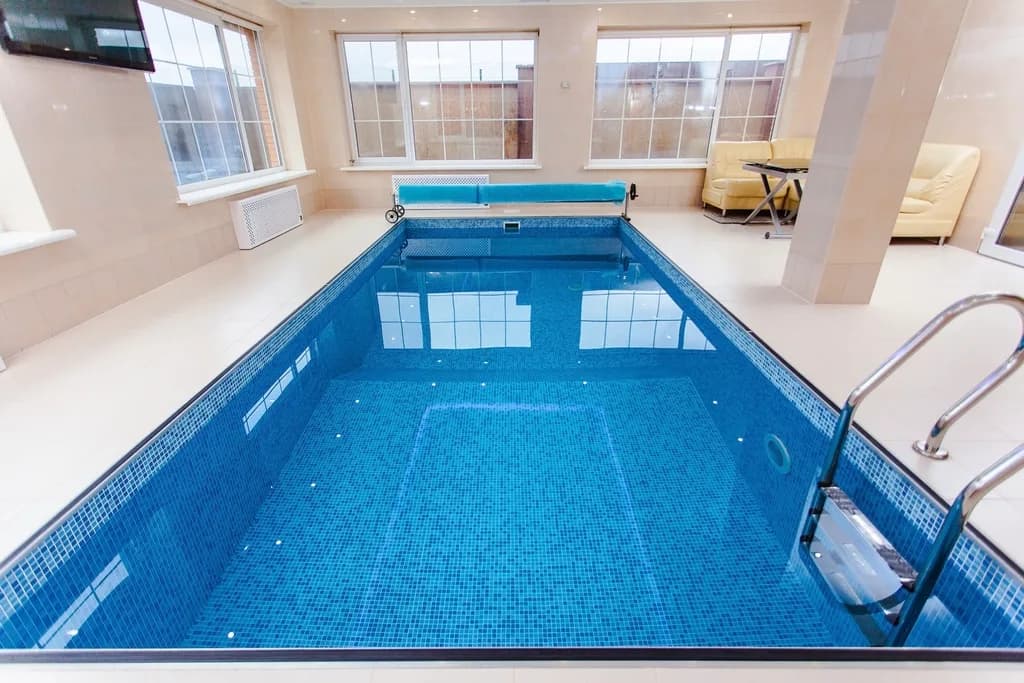
Sports facilities
Youth and Sports Services
Social facilities and beaches
Culture and Social Affairs
Restaurants and cafés
Social facility operations
Cultural centres
Culture and Social Affairs
Waste and environmental facilities
Sanitation · Environmental Protection
Warehouses and stores
Support Services · Public Works
Car parks, market places, animal shelters, guest houses and nurseries can also join the same centre with their own workflows.
Each facility runs its work on its own screen; every action is recorded in the centre.
Staff see zone occupancy on the map; the code on the citizen's phone is scanned at entry.
Occupancy, staff and stock across all facilities are monitored on a map and in one panel. Decision information is not gathered facility by facility.
Visitor numbers, revenue and utilisation are reported by facility and period; facilities can be compared.
Course sign-ups, hall rentals and beach bookings are made on the institution's website and mobile app. Applications reach the facility's approval screen.
Can’t find your question? Write to us →
We review your institution's facility structure and current processes, and prepare the set-up plan together.
How set-up proceeds
Facility structure is reviewed
Facility groups, departments and current records are mapped together.
The first group is set up
Usually sports facilities first; records are imported.
Staff are trained
Each facility's team starts working on its own screen.
Other facilities join
Groups are connected to the same centre one by one.